 Subtitle Overlay
You found a subtitle file for something that has no captions in your language. It loads twenty seconds off, you nudge it into place, and three minutes later it has drifted again. Subtitle Overlay exists for that.
What it does
Any player, any file
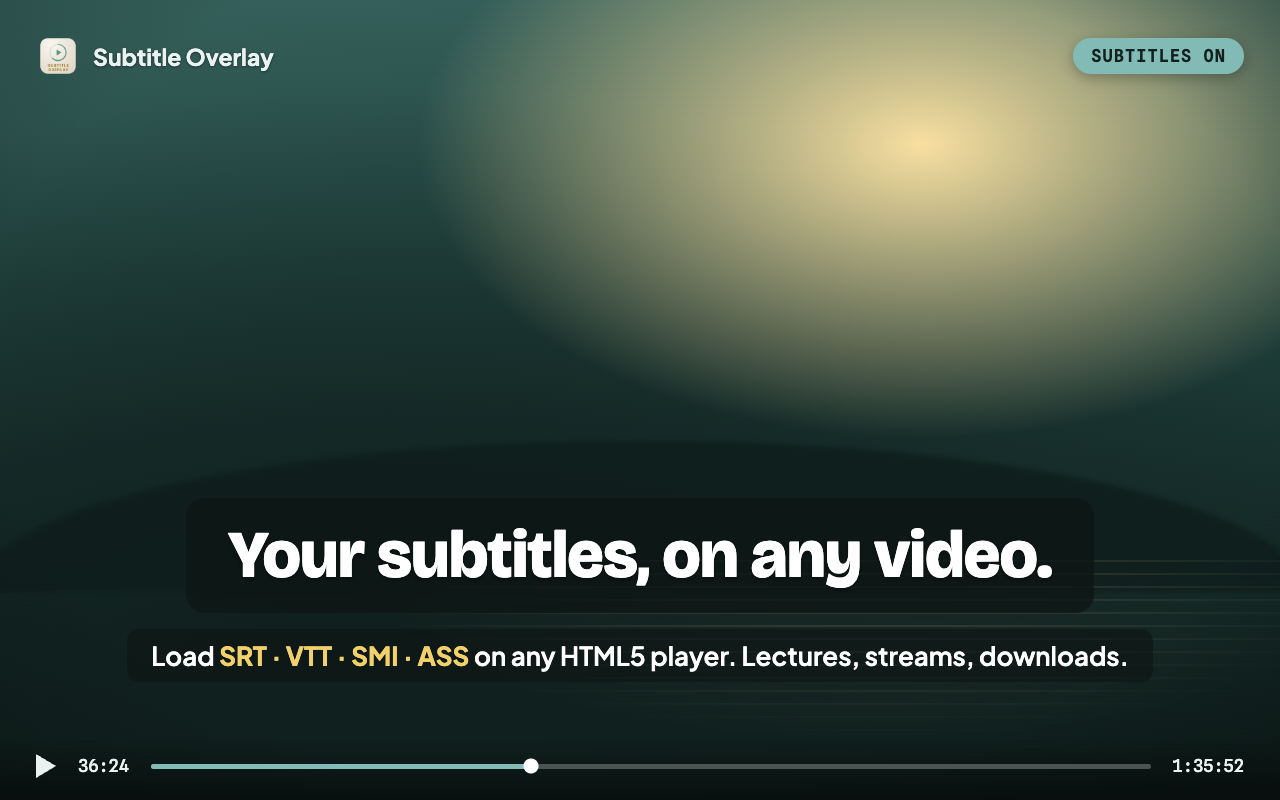
Drop an SRT, VTT, SMI or ASS file onto the page, or search OpenSubtitles without leaving the video. Encoding is detected automatically, so Japanese, Chinese and Korean files are not mangled.
Readable on real footage
Font, size, colour, outline, background blur and position, all adjustable while the video plays, in fullscreen too. Text scales with the screen, so one setting works in a small window and in 4K.
Timing you control
The Sync Timeline lists every line. Jump to a scene, or snap a line to the current playback time. Keyboard shortcuts nudge the offset without opening anything.
It remembers
Come back to a video and its subtitle and sync return in one click. Stored on your device, keyed by a one-way hash, never uploaded.
Smart Sync
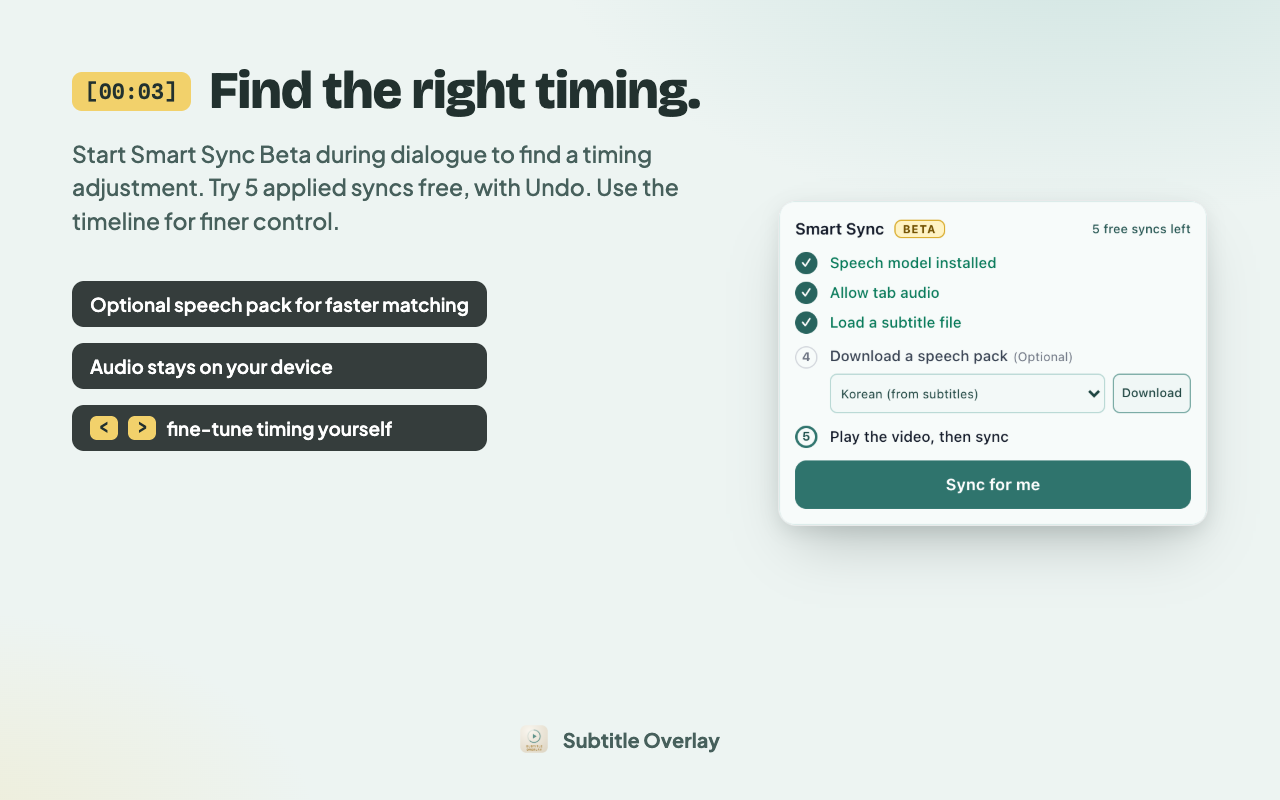
Start Smart Sync Beta during dialogue to find a timing adjustment, including a fixed offset or common frame-rate drift. Try five applied syncs free. Failed attempts and declined suggestions do not count, and Undo restores a use.
After loading subtitles, you can download an optional Chrome speech pack for faster matching when the spoken and subtitle languages match. The subtitle language is selected automatically when known. Voice-activity matching remains available without the pack and for translated subtitles.
Audio is processed on your device. Smart Sync runs when you start it; results depend on the video and subtitle file, and some players cannot share audio. You can try a suggested adjustment and undo the result you just applied.
What leaves your machine
Almost nothing, and it is worth being specific about which parts.
- Never sent: subtitle text, video, audio, screenshots, full page URLs.
- Sent when you search: your query, to OpenSubtitles, so it can return files.
- Setup: the voice-activity model comes from GitHub Pages; optional speech packs come from Chrome.
- Pro activation: your licence key is verified with Gumroad.
- Optional: usage analytics. Consent-onboarding releases ask permission before sending events; older releases used a default-enabled setting. Change your choice in Settings. Network services see your IP address; analytics can derive approximate location and is not fully anonymous.
The full privacy policy spells out every case.
Subtitle Overlay Pro
Smart Sync ships today as a beta. Auto Captions, AI Translate, a larger subtitle library, A–B repeat and a click-to-translate dictionary are planned, with release dates to be announced, and a founding licence covers every one of them as it lands.
$34.99 once, yours for life
Planned $3.99/mo after launch. Founding seats are limited to 50.
Questions
- Does it work on any video?
- Anywhere the page uses an HTML5 video element, which covers most streaming sites, lecture platforms, and local files opened in the browser.
- What formats can I load?
- SRT, VTT, SMI and ASS.
- Do the subtitle and the audio have to be the same language?
- Voice-activity matching can work with translated subtitles. The optional faster speech path compares spoken words with subtitle text, so it needs matching languages. Results vary with the video and file.
- Is any of it uploaded?
- No subtitle text, no video and no audio ever leaves the device.
- Is it free?
- Subtitle loading, search, styling and manual timing are free. Try five applied Smart Sync results free. Pro removes the trial limit; Undo restores a trial use.